Picture
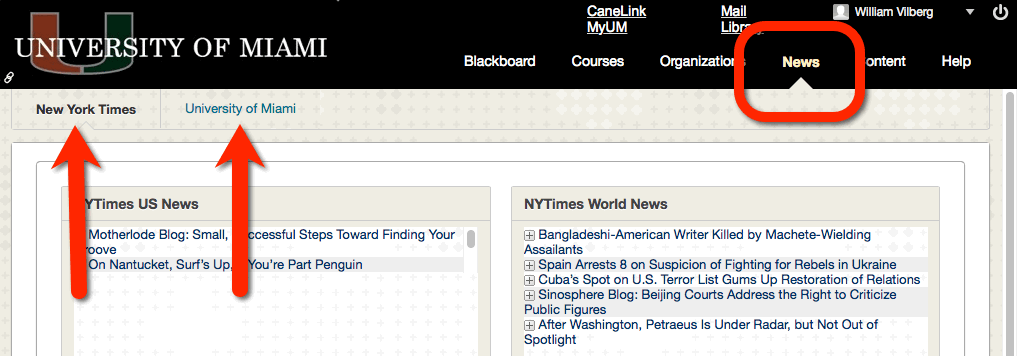
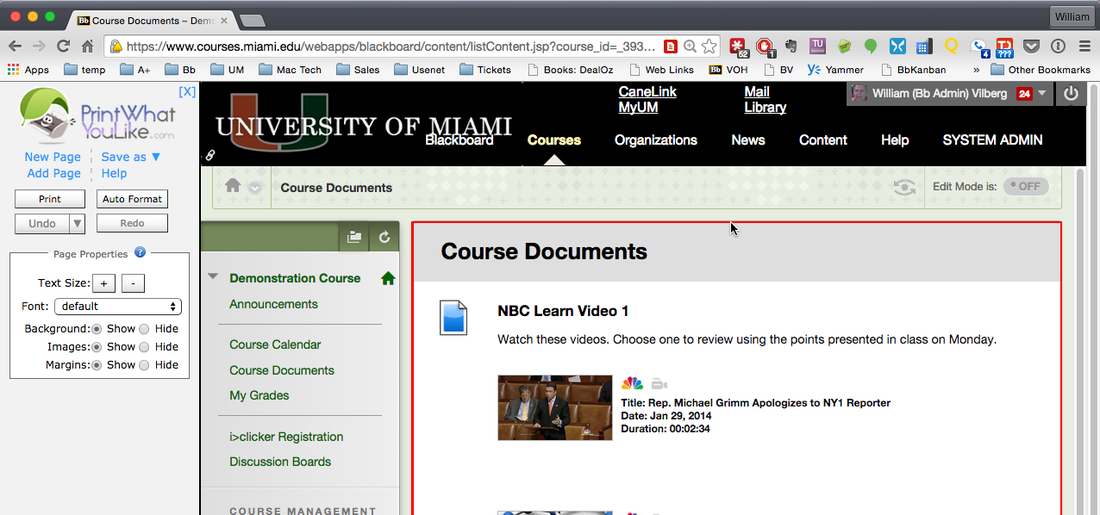
CaneLink, the new web site for Academic information at UM, has been added to the Blackboard hot links. The hot links are found in the upper right corner of all the pages in Blackboard. MyUM, which used to be the first hot link, is now located on the row below the CaneLink item. All of the academic material formerly found in MyUM, is now found in CaneLink, so it was promoted to the place of honor. http://canelink.miami.edu/


Picture
When you finish using Blackboard on a public computer, it is extremely important that you logout. Otherwise the next person that uses that computer might be using your account, without even knowing it.

A new "Logout" module/link has been placed on the Blackboard > Home page, right below the "Tools" module. 

There is also a small "Logout" link at the top of every page in Blackboard, right before the "MyUM" link. 

Closing your browser does NOT log you out. You must use one of these links to safely end your Blackboard session.


Picture
UM acquired the site license for Blackboard Mobile Learn about two weeks ago. Usage is increasing with more than 2,000 people using it since the beginning of the semester.

This graph shows logins by hour of the day and indicates that between 1:00 am and 7:00 am usage is low, hopefully due to people resting.

If you would like to see all the statistics, go to http://goo.gl/hcVht


I believe the Blackboard login issue, generating the "Server Not Found" error, has been corrected.

I have verified that I can login by going to any of these addresses.
  • http://courses.miami.edu
  • https://courses.miami.edu
  • http://www.courses.miami.edu
  • https://www.courses.miami.edu

When I am logged in the address is always changed to https://www.courses.miami.edu

If you are unable to login at this time, please shot down your browser and start over. If you still have a problem, create a ticket on our Blackboard Help Desk site. We will only know if you are having problems if you tell us, so please share the information.
 
 
Depending on what address you are using when you go to Blackboard, you may get a "Server Not Found" error after authenticating with CaneID. If this happens to you, go to http://miami.edu/blackboard and then login. Everything should work. Although it looks the same as what you were doing, the address in the web browser will be different. You should be able to get in this way.

The security certificate warnings have been eliminated. All connections to Blackboard should now be secure, without a warning requesting that you confirm using the certificate.
 
 
If you are trying to log into Blackboard, and are getting a "Server Not Found" error and/or a Security Certificate Warning at some point in the process, please try the following steps.
  1. Close/shutdown your web browser (Safari, FireFox, Chrome, Internet Explorer, etc.)
  2. Open your browser again.
  3. Go to "miami.edu/blackboard"
You should be able to get in with that web address. 
 
 
Picture
With the Blackboard Mobile Learn app you can access your course sites on Blackboard from your smart phone or tablet. The University has purchased a site license for this product, so everyone at UM can install it and use it.

For more information on Blackboard Mobile Learn, and links to all the apps, go to http://goo.gl/6hqVc.


Picture
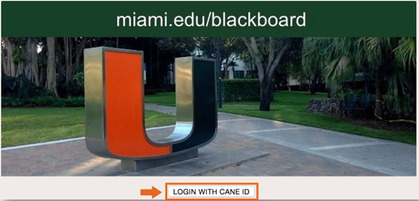
The picture has been changed on the Blackboard login selection page. It now shows the new Split U located in front of the University Center. 

The login selection page is where you indicate whether you are logging in with your CaneID or a special Blackboard account.


The Blackboard system at the University of Miami has been successfully upgraded from Blackboard Learn Service Pack (SP) 8 to SP 9. This upgrade does not change any features of the system or the interface. 

If you encounter problems with the system after the upgrade, please fill out a service ticket by clicking on the help icon (the question mark at the top of every screen in Blackboard.
If you cannot log into Blackboard, go to "http://www.courses.miami.edu" and click on the "Contact the Blackboard Help Desk" link.
Through either process you will be brought to this web page.
Click on the "Create a Blackboard Help Desk Ticket" to bring up the service ticket. Fill out the form and submit it. You will get an email response when the ticket is created, and then updates as we work on it.
 
 
The Blackboard system has been upgraded and the system is now being verified. We will upgrade the status around 2:00 pm. At that time, if everything was successful, the system will be released for full use.

Until the testing is completed, there is a chance that any work performed on the system will be lost. If problems are discovered, it may be necessary to roll the system back to its status as of 8:00 pm on Friday, 12/21/2012. Any activity made to the system after 8:00 pm on Friday would be lost. This is a small risk, since everything looks good, but a risk you take if you decide to work on the system right now. If you are going to work on the system at this time, please keep copies of your work so that you can recreate it later, if the system should have to be restored.